
A one-page open house feedback form that asks visitors what they think of the home and the price. Print it blank, or add the address and your name first.
US Letter. See the templates ↓
Preview · US Letter, portraitUpdates as you type
Thanks for visiting. Your honest opinion of the home helps the sellers, and it takes a minute. Tick a box or write a few words.
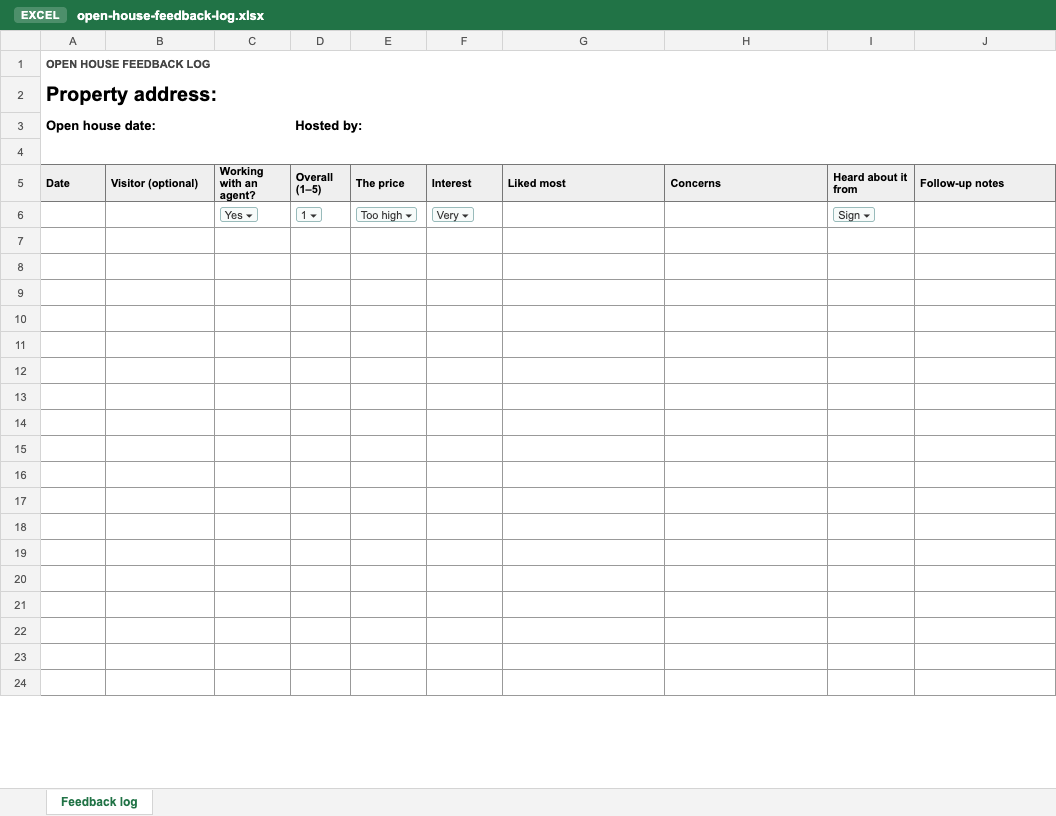
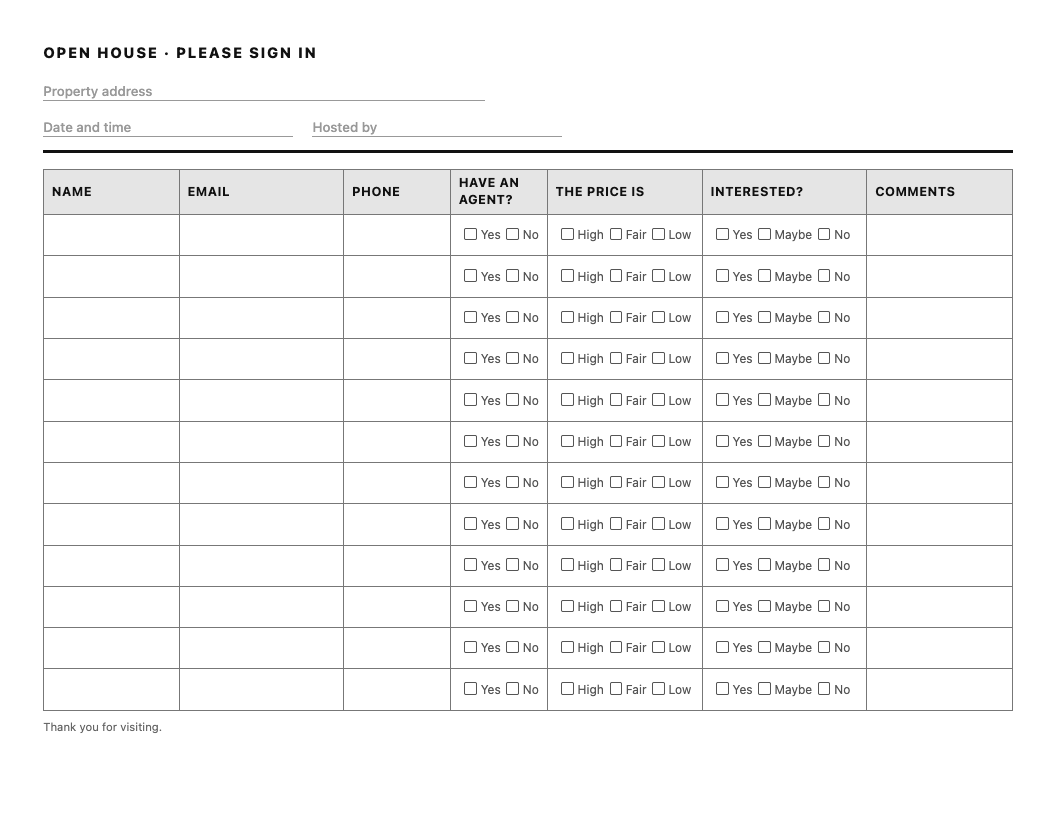
A printable form, the same form in Word, an Excel log for the answers, and a sign-in sheet with feedback columns if you would rather hand out one sheet than two.
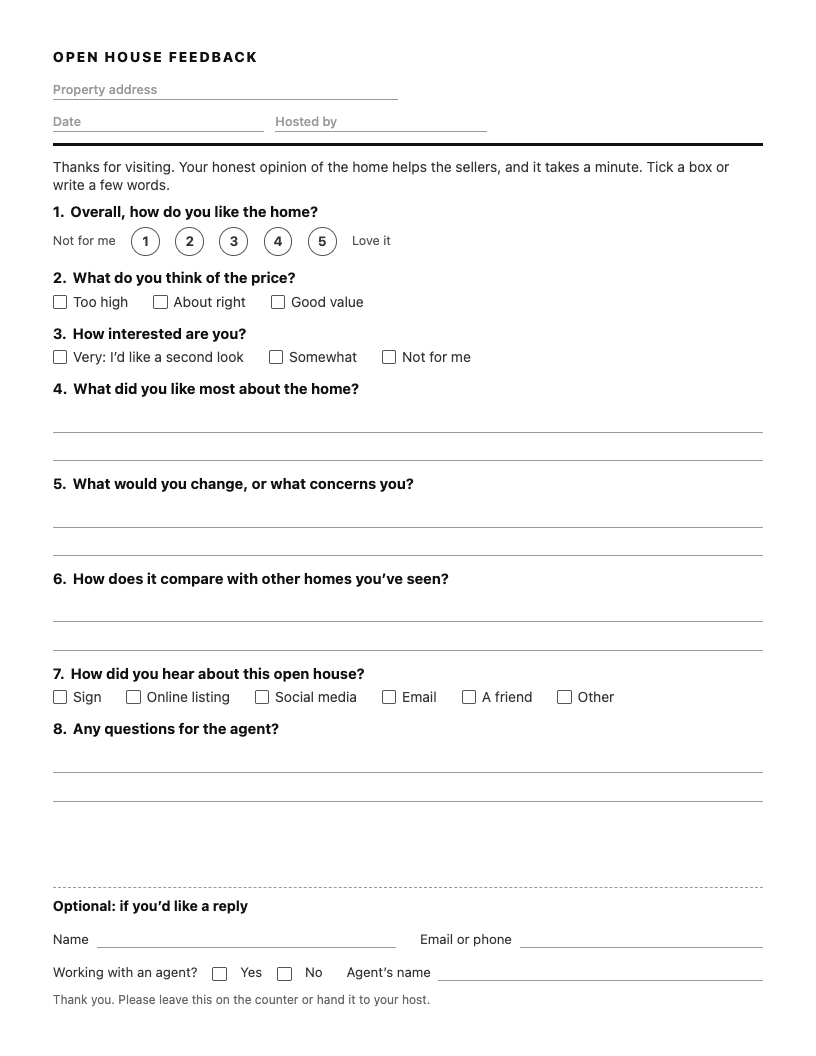
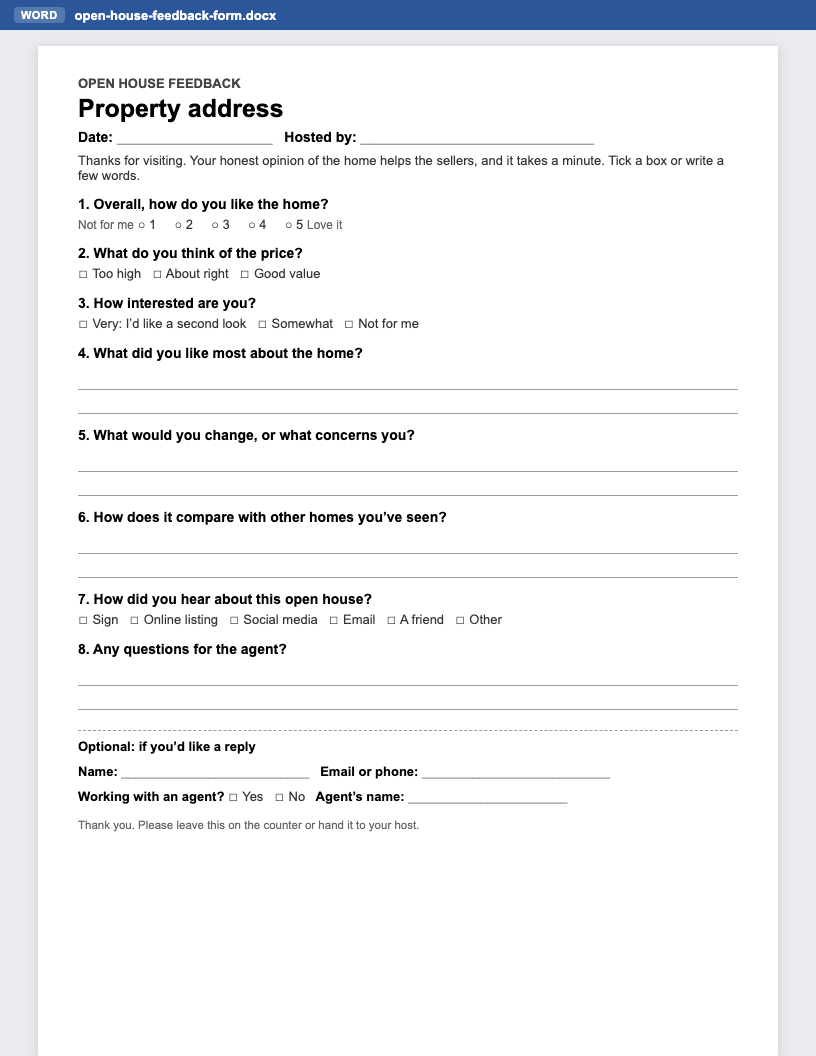
Ask about the home, not the visitor: how they like it, what they think of the price, how interested they are, and what they liked and didn’t. Eight questions fit on one page and take a minute to answer. Every question should give you something to tell the seller or something to do.
| Question | What it gives you |
|---|---|
| Overall, how do you like the home? | A number you can average for the seller. |
| What do you think of the price? | The answer sellers ask about first, in the visitors’ own words. |
| How interested are you? | Who to follow up with this week. |
| What did you like most about the home? | What to lead with in the listing and the next open house. |
| What would you change, or what concerns you? | Objections to answer, or fix before the next one. |
| How does it compare with other homes you’ve seen? | How buyers see the price against the competition. |
| How did you hear about this open house? | Which of your marketing brought people in. |
| Any questions for the agent? | A reason to reply the same day. |
Keep contact details optional, at the foot of the form. Visitors are franker when they don’t have to sign their opinion, and the ones who want a reply will leave a name.
Questions about the home, never the person. Don’t ask about family, religion, national origin or anything else the Fair Housing Act protects, and when you pass feedback to the seller, pass on what visitors said about the home, not descriptions of who visited.
The feedback form works best next to a sign-in sheet: the sign-in is your call list, the feedback is the seller’s report. Get both from our free open house sign-in sheet page, with printable PDF, Word and Excel templates and a QR code sign-in for visitors’ phones.
Questions about the home: an overall rating, what they think of the price, how interested they are, what they liked most, what concerns them, how it compares with other homes they have seen, and how they heard about the open house. Keep contact details optional.
Yes. The printable PDF, the Word template and the Excel log are free to download, with no account and no email address.
Make contact details optional. Visitors are franker when they don’t have to sign their opinion, and the ones who want a reply will leave a name and a number.
Yes. Download the Word (.docx) template to change the questions or add your logo. It also opens in Google Docs: upload it to Google Drive and open it with Docs.
Type each form into the Excel log the same day, then send the seller a short summary: how many visitors came, how the price answers split, the most common likes and concerns, and a few comments about the home in the visitors’ own words.
Yes. The sign-in sheet with feedback adds price, interest and comments columns to the sign-in. It is quicker for visitors, but the answers are less candid because everyone can read the rows above theirs.
Anything about the visitor rather than the home: family, religion, national origin or anything else the Fair Housing Act protects. Pass on comments about the home, never descriptions of who visited.
Not this form: it is made for paper. For contact details on visitors’ phones, use the free QR sign-in on our open house sign-in sheet page.
Updated October 24, 2026.
Free printable sign-in sheets (PDF, Word, Excel), branded with your logo, and a QR code visitors scan to sign in. Open house sign-in sheet →
Superlisting builds a website for one property from a listing link: a full-screen gallery, your listing video, the neighborhood on a map and a contact form that reaches you, not a portal’s lead queue. Open house sign-in on iPad and phone is built in. Your first one is free. The free plan covers one listing, its website and open house sign-in. Unlimited property websites $29/mo.
Build the home’s website free →